Fitpath Return to the introduction
Separate cloths representing separate app and website surfaces

A material passport.

This document follows information as carefully as Fitpath follows a workpiece: where it begins, what touches it, where it rests, and what is handed elsewhere. It covers the Android app and the paired static website without turning a workshop metaphor into a change of actual behavior.

Effective August 26, 2026. This version describes the Android app and static website packaged together. It should be updated if the app, website host, publisher contact route, or public distribution changes.

Source

Unoccupied workshop position

Surfaces in this passport

This information covers the Fitpath Android application, the introduction at the website root, and this privacy route. It does not cover unrelated services, accounts, courses, employers, or similarly named destinations.
Authored practice joint resting apart from a seal

Who Fitpath is for

Fitpath is general visual-reasoning content for adults and older learners, including supported use with a trusted adult or qualified instructor. The app does not verify age, student status, employment, eligibility, membership, or certification.
One fingertip near an inert practice piece

Visual practice boundary

All workpieces, photographs, observations and Fit Notes are app-authored. They do not constitute a course, apprenticeship, assessment, credential, tool instruction, workplace procedure, job application, or statement that the named foundation officially provides or endorses the app.
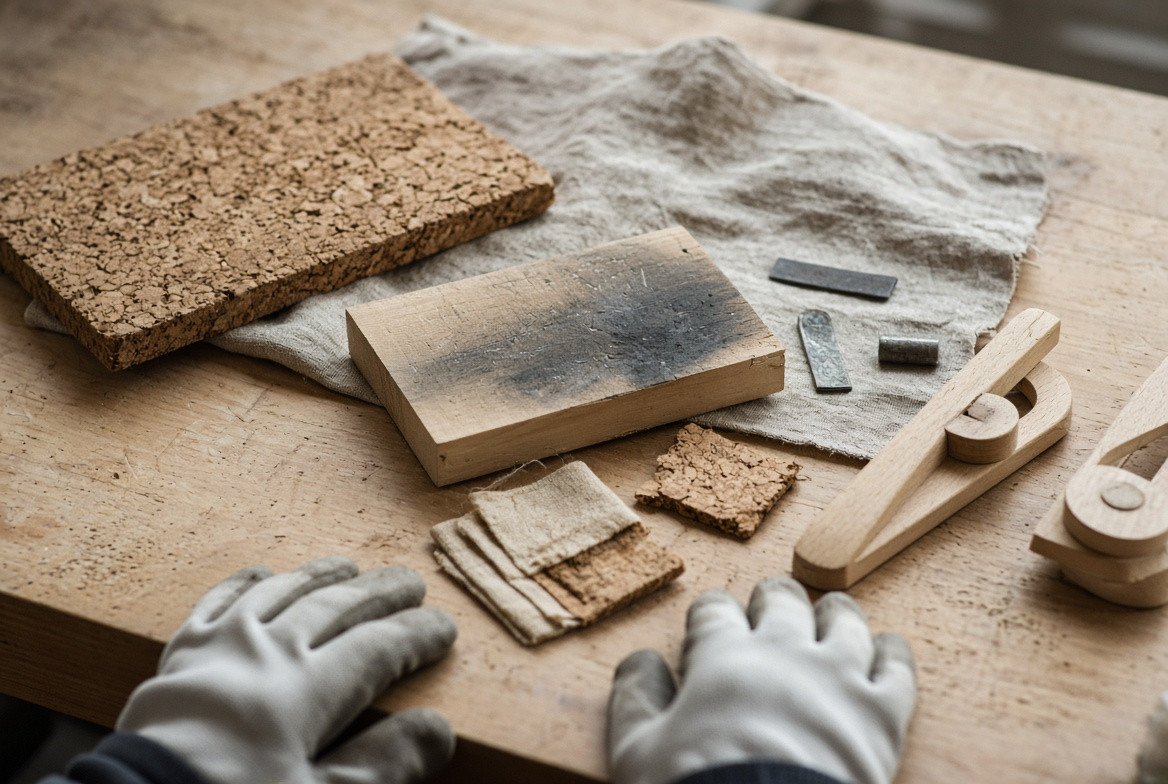
Current workpiece beside separate evidence pieces

Touches, drags and choices

The app responds to taps on built-in hotspots, a native compare slider, back actions, pass-around choices, and three controlled Fit Note cues. These are interface actions; they do not measure a real material, tool, dimension, force, tolerance, skill, or safety condition.
Blank writing surface with no entered text

Local workpiece state

App-private preferences hold the current built-in workpiece and evidence identifiers, visited view identifiers, the compare seam position, and one Fit Note view and controlled cue. Selecting a new Fit Note replaces the prior one.
Handling

Closed permission sockets on a quiet work surface

Information not entered

Fitpath offers no free-text field, name field, email field, application, résumé, credential record, employer detail, assessment response, score submission, media upload, location report, payment, or direct message channel.

Disconnected cable beside an inert practice piece

Device features left alone

The Android app requests no camera, microphone, location, contacts, calendar, phone, notification, nearby-device, health, storage, or advertising-identifier permission. Any later feature requiring one would need a revised app and a revised explanation.

Empty place where an identity tag might have rested

Android connections

The Android manifest contains no internet permission, and the app includes no operation for sending local workpiece state or a Fit Note to a server, organization, instructor, employer, or publisher.

Unmarked sheet resting on cork

Website delivery

The website package is static and includes no form or analytics script. If hosted publicly, the selected host may process standard request details such as IP address, time, requested path, browser information, and security logs. The publisher should identify the actual host before release.

Storage

A stopped path between separate work surfaces

Accounts and identity

Fitpath has no sign-in, learner profile, membership record, social graph, username, identity verification, or employment profile. Local state is not associated with a named person inside the app.

An unjoined channel beside a separate workpiece

Analytics and advertising

The Android app contains no analytics, advertising, attribution, profiling, billing, or account SDK. The static site package includes no tracking script. A public host has its own request-handling behavior, described separately above.

One replaceable blank marker on a cork surface

Sharing and sale

Because the Android app does not transmit its local state, it does not sell, rent, or share workpiece choices, compare position, visited views, or a Fit Note with advertisers, data brokers, employers, schools, or other organizations.

Wiped cork surface with no remaining mark

Foundation separation

Using Fitpath does not submit information to the Stanley E. Greene Jr Skilled Trades Foundation. The app is not an admission, apprenticeship, employment, credential, donation, volunteer, assessment, training, or service-intake channel for that organization.

Handoff

Two viewing angles across a shared surface

Retention and erasure

Local state remains until replaced, cleared from Fitpath notes, removed through Android settings, or removed when the app is uninstalled. The in-app clear action returns the workpiece, evidence view, compare seam, visited views, and Fit Note to their starting state.

A seam showing a clear backup boundary

Shared devices and backup

Someone with access to an unlocked shared device may see the current Fitpath view or Fit Note. The app disables platform backup and device-transfer extraction for local files; device owners remain responsible for screen locks and independent device-level tools.

Small and large glove sizes resting without people

Children and supported use

Fitpath is not designed to collect personal information from children. It provides no child profile, messaging, public post, location entry, free-text response, or application. Younger learners should use general content with appropriate adult support and real-work supervision.

Replaceable date patch beside an unfilled contact stitch

Changes, date and contact

This policy is dated August 26, 2026. Material changes should appear with a revised date and reflect the released app and actual website host. For privacy questions, use the responsible publisher channel displayed with the public store listing or hosted version of this site; no separate foundation contact is asserted here.

An open receiving surface with no filled contact label

The loose end stays visible.

Use the clear action in Fitpath, Android application settings, or uninstall the app to remove local state. Revisit this document whenever the app, host, contact route, or distribution materially changes.